

Generate Documentation
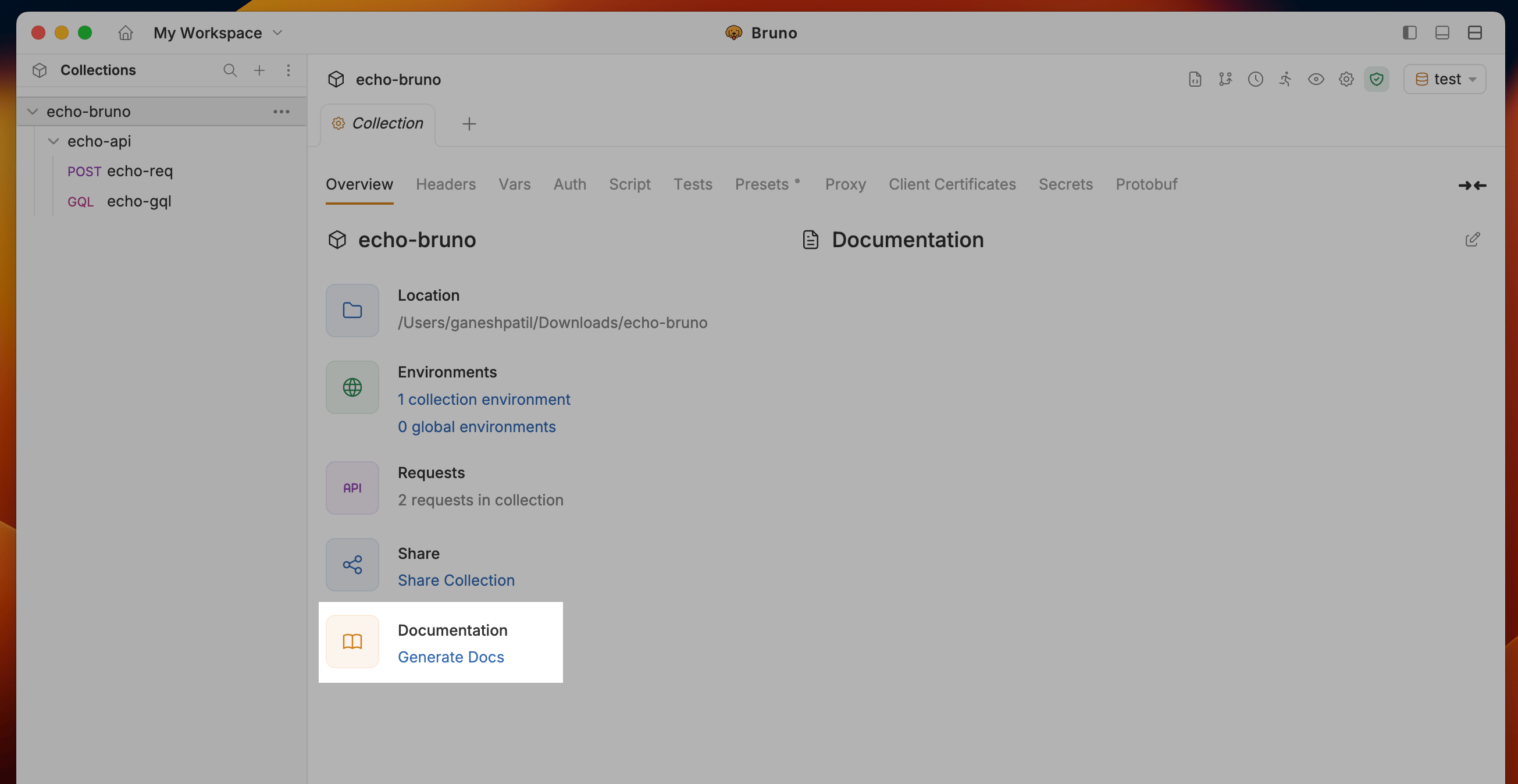
- Navigate to the Collection Settings and click on the Generate Docs under Documentation section
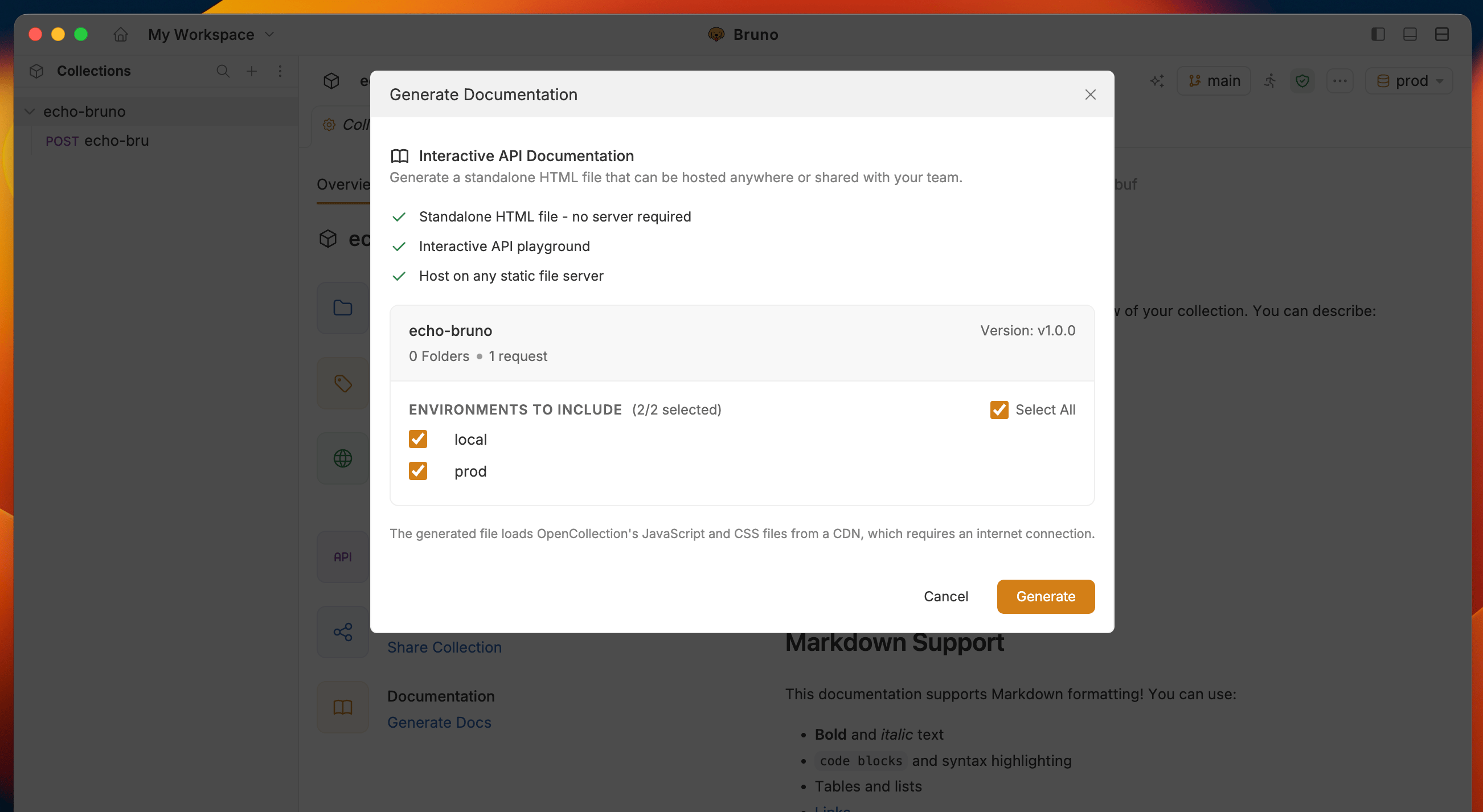
- Select Environment to include in the documentation and click the Generate button to create the HTML documentation
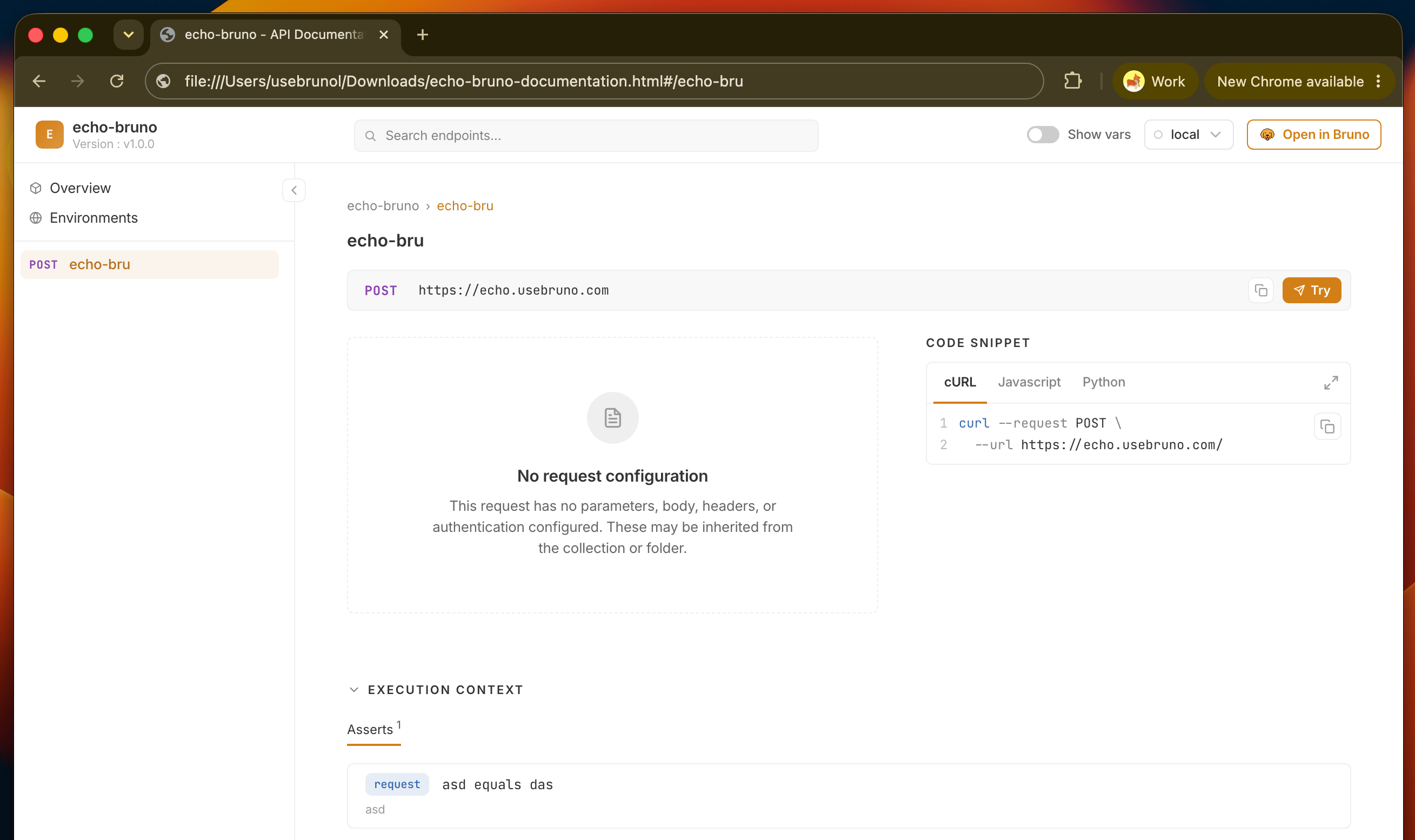
- Bruno will generate a documentation file for your collection in your file system with name
collection-name-documentation.html
Next steps
- See what readers can do in the generated site: switch environments, search requests, and try requests live
- Deploy and share the file with your team or API consumers